Click to download now, finish the installation quickly, and directly unlock the all-round experience
Screenshots


Click to download now, finish the installation quickly, and directly unlock the all-round experience
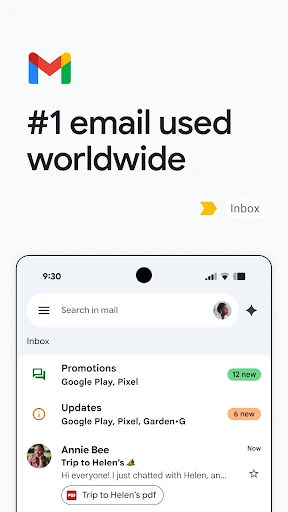
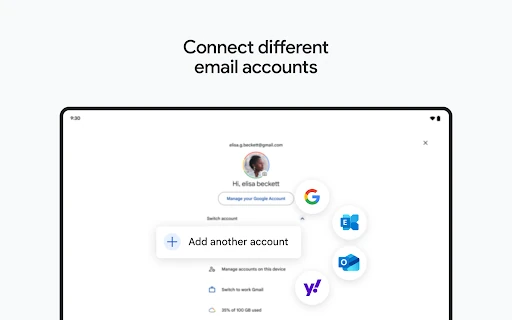
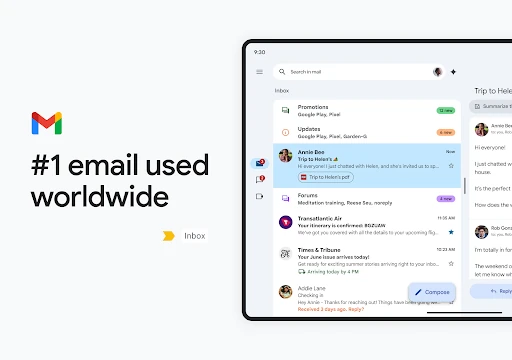
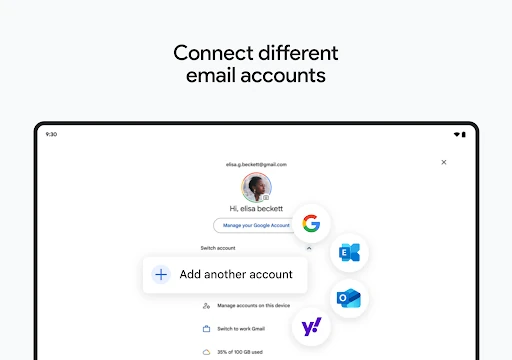
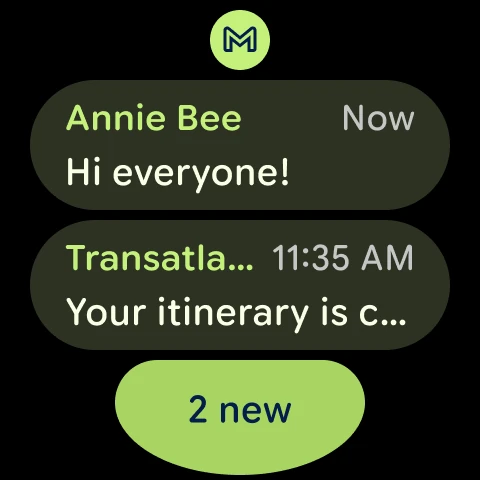
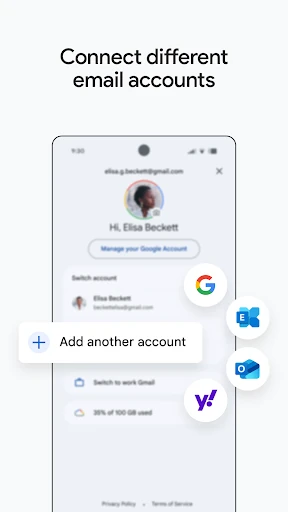
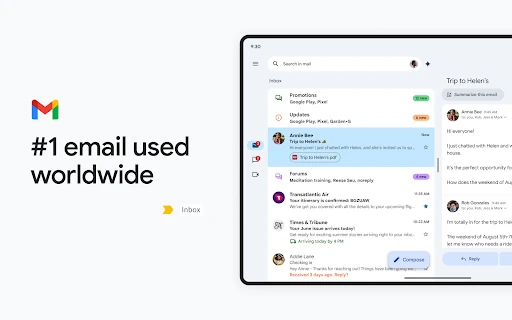
Gmail is a mobile email client for people who need to read, send, organise and search messages on Android. It suits personal users, students and work teams managing several inboxes from one place. The app is developed by Google LLC and sits in the Communication category. It has a 4.1 rating from more than 14.1 million reviews and 10,000,000,000+ installs.
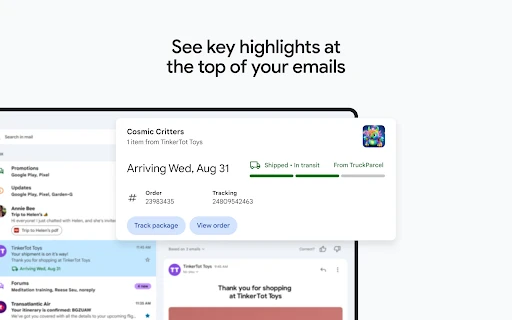
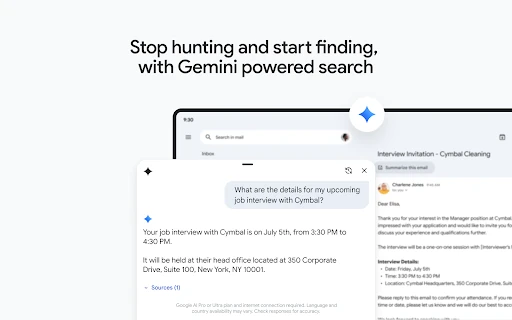
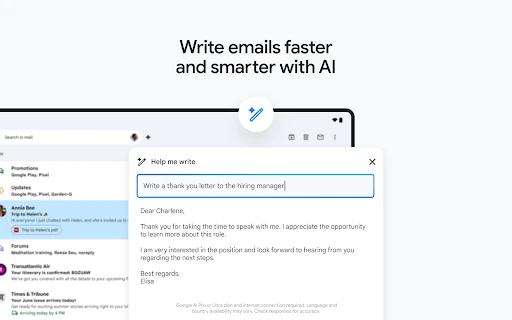
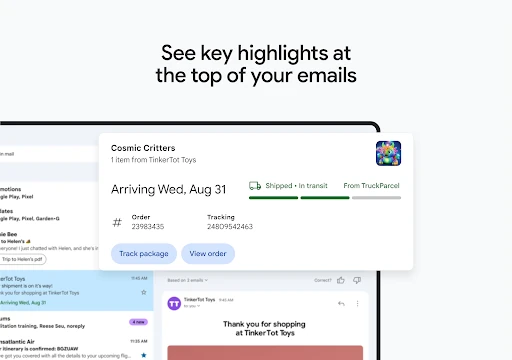
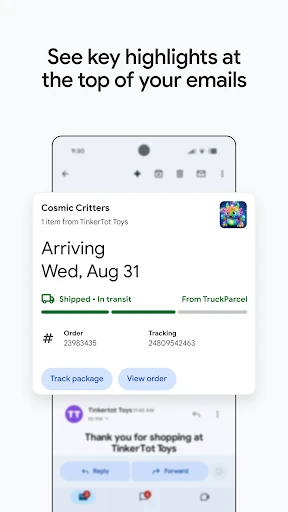
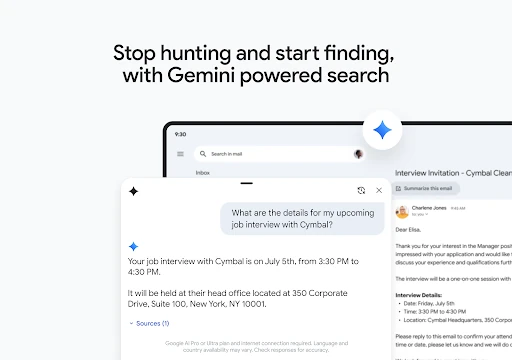
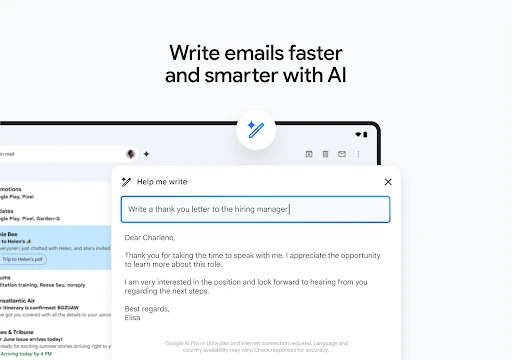
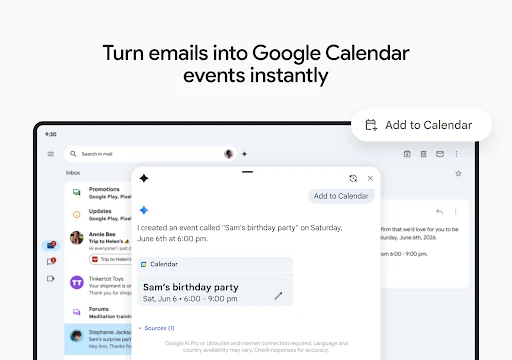
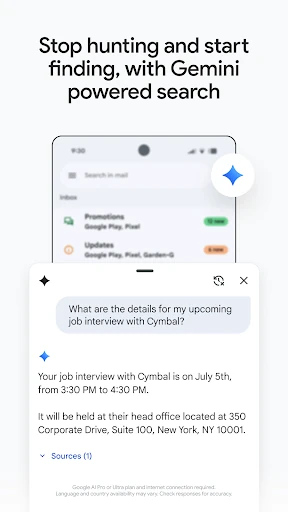
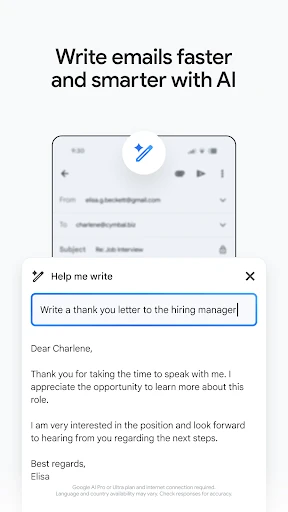
Search is central to Gmail, helping you locate older messages, attachments and conversations without browsing folder by folder. Smart Replies suggest short responses, while Help me write can assist with drafting email. Gmail also highlights useful details in some messages, such as travel plans or delivery updates, so key information is easier to spot.
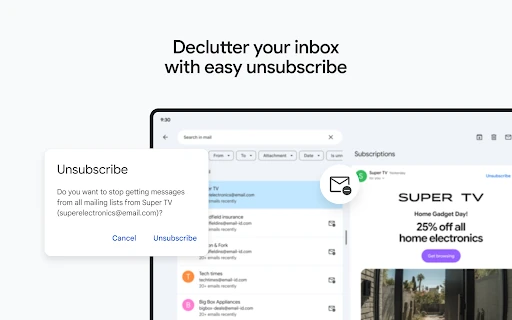
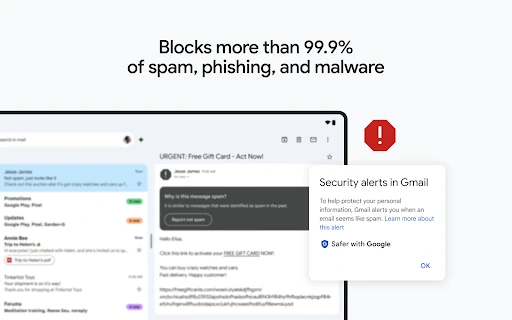
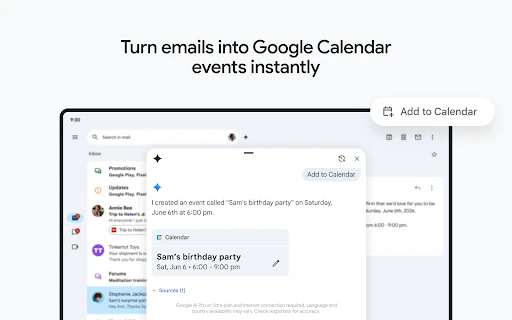
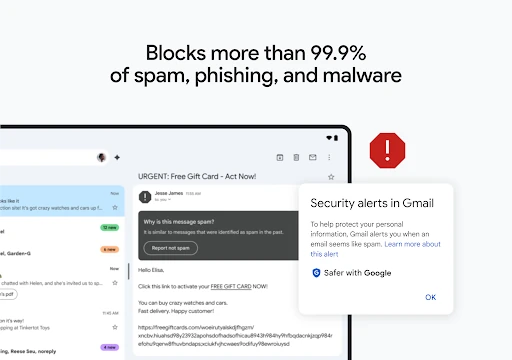
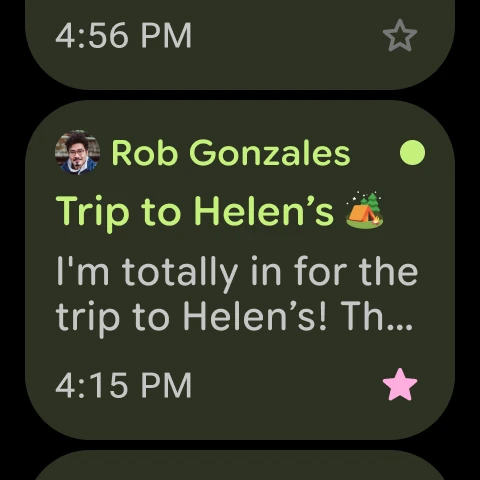
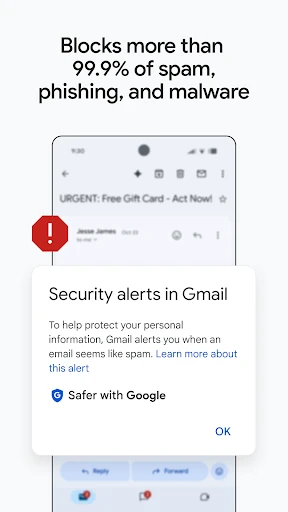
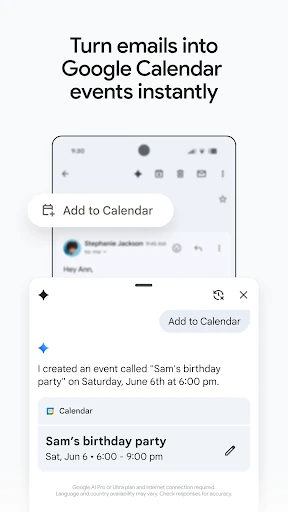
Gmail filters spam, phishing attempts and malware before they reach the inbox, adding protection for everyday correspondence and sensitive messages. Conversations are grouped into threads, which keeps replies together and makes long exchanges easier to follow. Its connection with Google services is useful for people who already use Google Calendar, Meet or Chat.
Gmail is a strong choice if you want familiar email tools, broad Google integration and a dependable way to search a large mailbox. Its extra Workspace connections may feel like more than you need if you only send occasional messages, but the main inbox remains focused on reading, replying and keeping email under control.