Click to download now, finish the installation quickly, and directly unlock the all-round experience
Screenshots
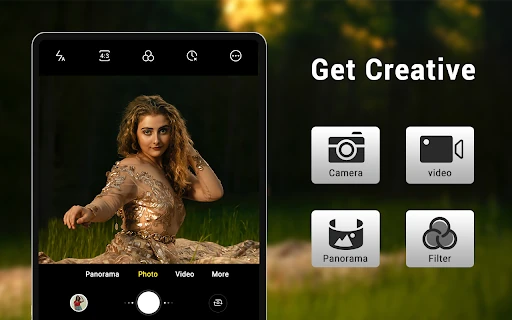
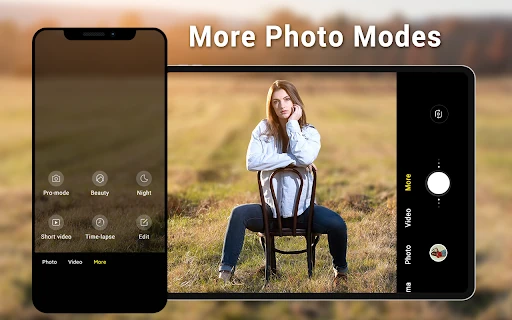
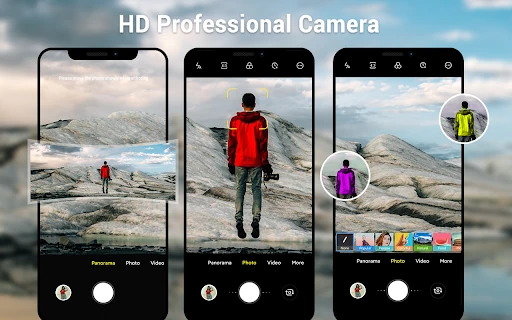
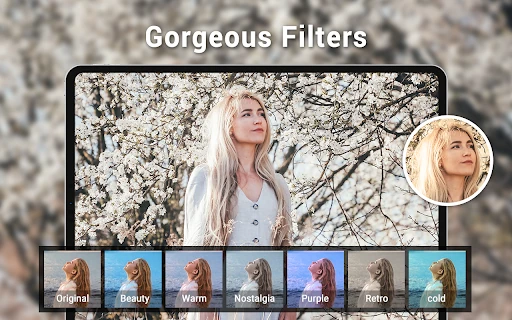
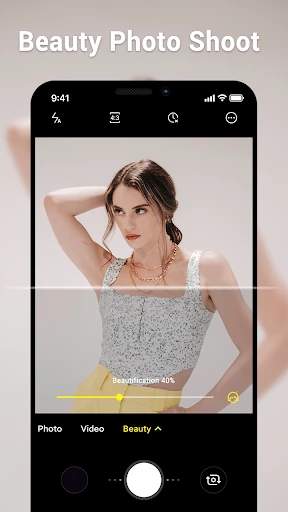
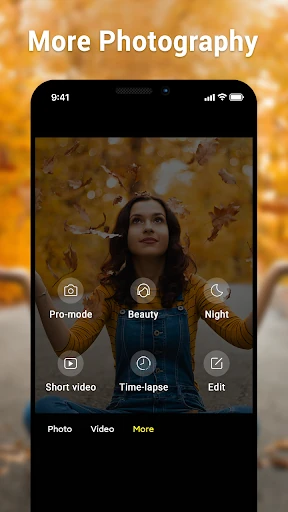
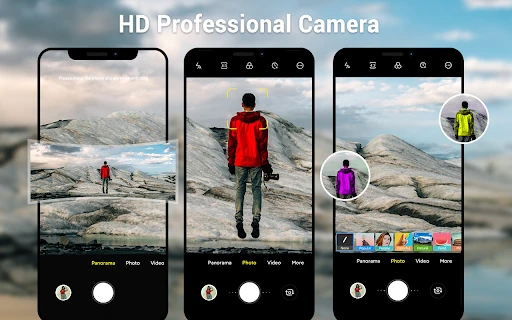
Click to download now, finish the installation quickly, and directly unlock the all-round experience
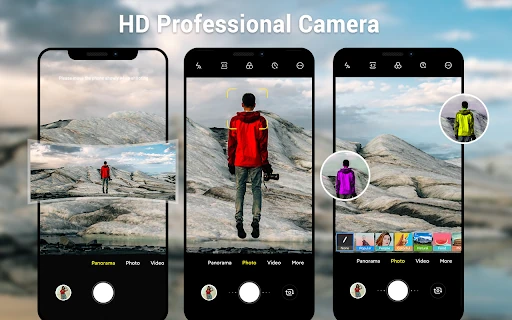
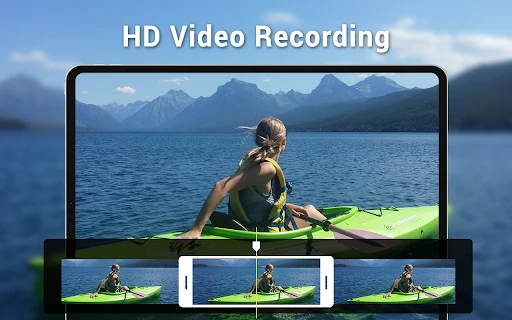
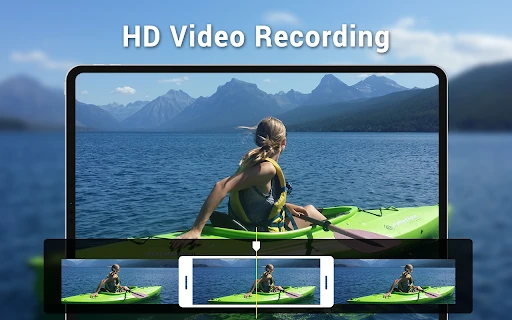
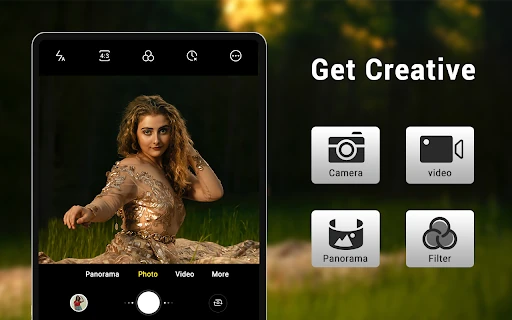
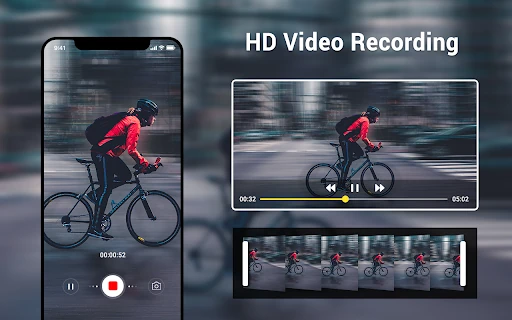
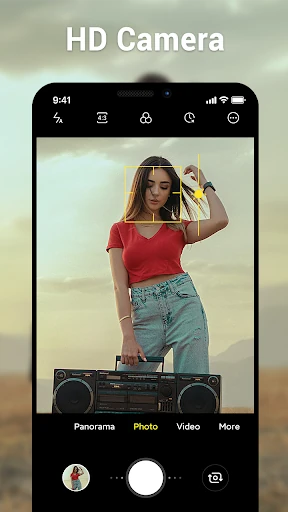
Camera for Android is a photography app for people who want the core camera tools without a crowded, filter-led interface. It brings together still photos, video recording and panorama capture in a simple layout, making it a practical fit for users who prefer familiar controls and quick access to the viewfinder. It is developed by Litter Penguin and has passed 10,000,000+ installs.
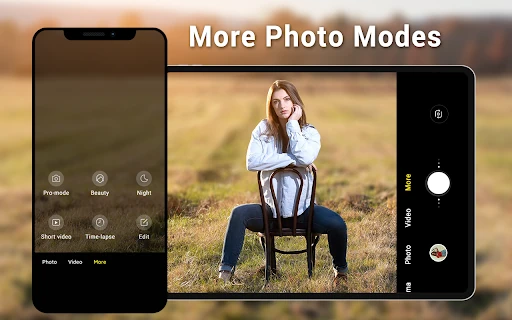
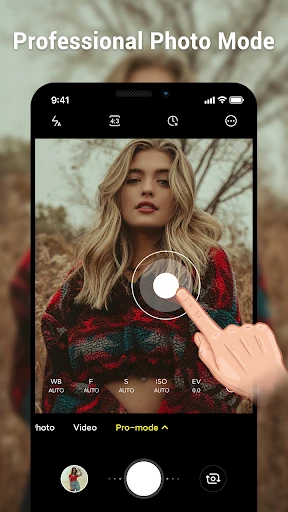
The app provides several settings for handling different scenes and lighting conditions. White balance choices include incandescent, fluorescent, daylight, cloudy and automatic modes, while scene modes offer another way to adjust capture settings. Volume keys can be assigned to take a photo or control zoom, which may be useful when holding the phone with both hands or trying to reduce movement at the moment of capture.
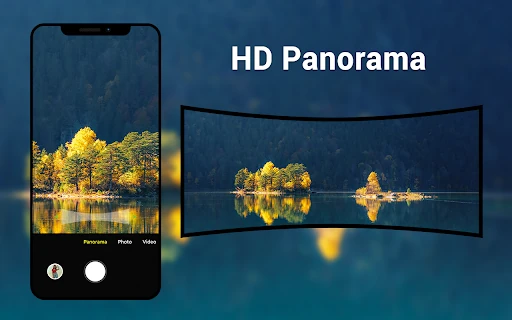
Panorama mode guides the shooting process and helps join a wider view into one image. The interface is designed to keep the camera preview clear rather than filling it with decorative controls. Its layout can adapt across phones and tablets, so the controls are intended to remain usable on different screen sizes. The overall approach is closer to a basic stock Android camera than to a social photography app.
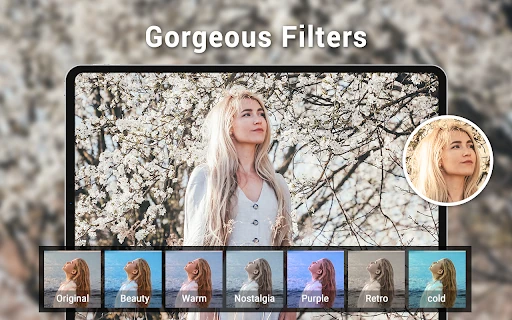
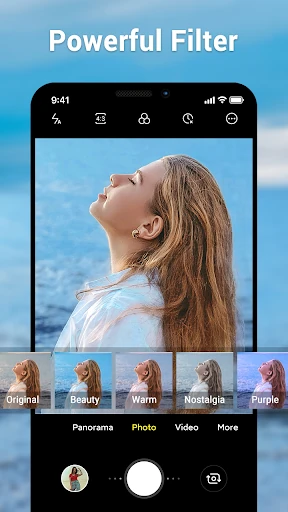
This is a good match for users seeking a focused camera utility, especially on devices whose built-in camera software feels busy or heavily customised. It does not aim to replace advanced editing or computational photography tools, so users looking for extensive post-processing, AI enhancements or a large effects library may need another app alongside it. Its 4.83 rating from 321,890 reviews indicates strong reception among a substantial user base.