Click to download now, finish the installation quickly, and directly unlock the all-round experience
Screenshots
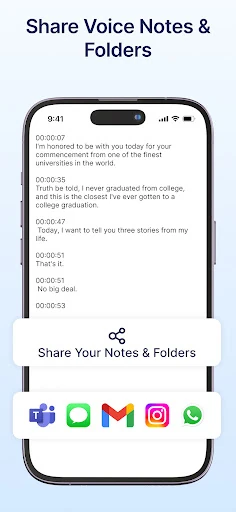
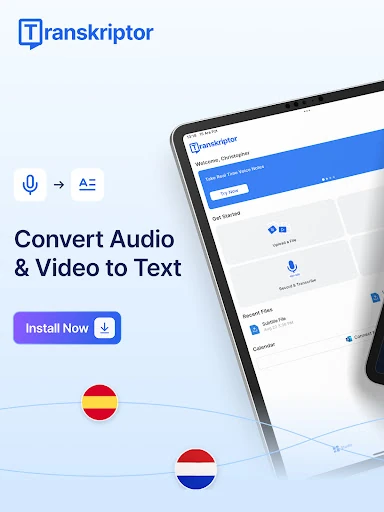
Click to download now, finish the installation quickly, and directly unlock the all-round experience
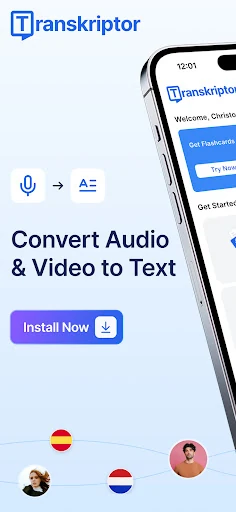
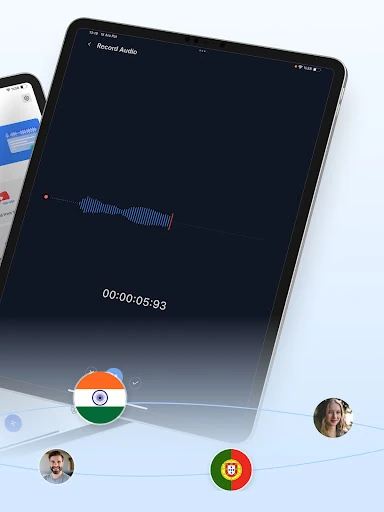
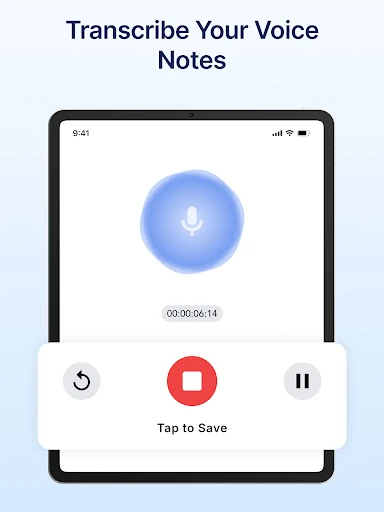
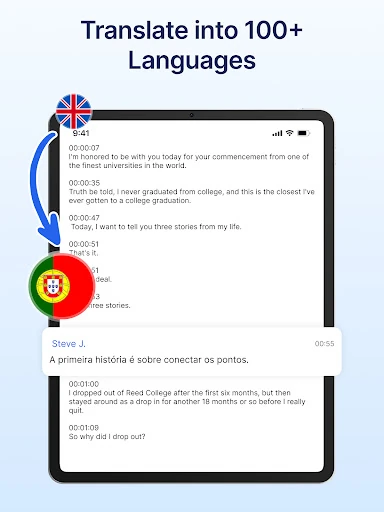
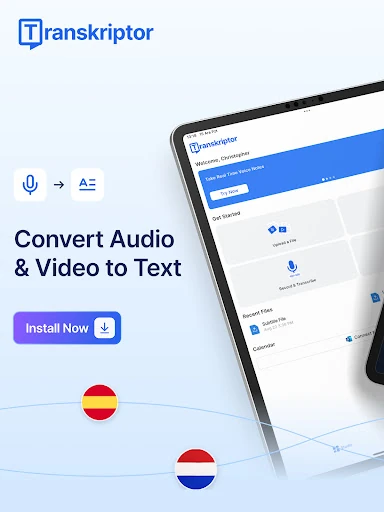
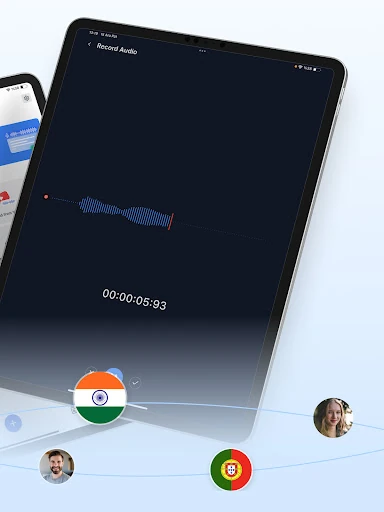
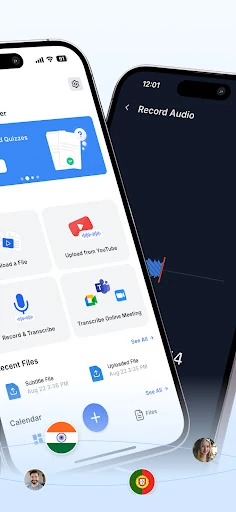
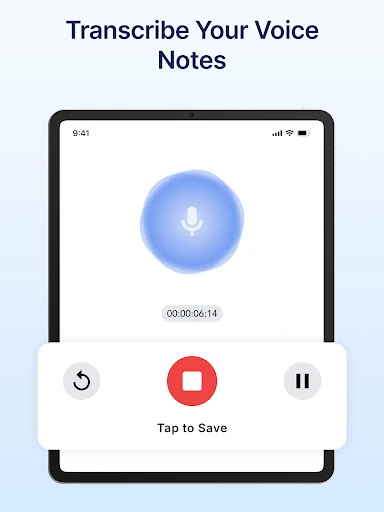
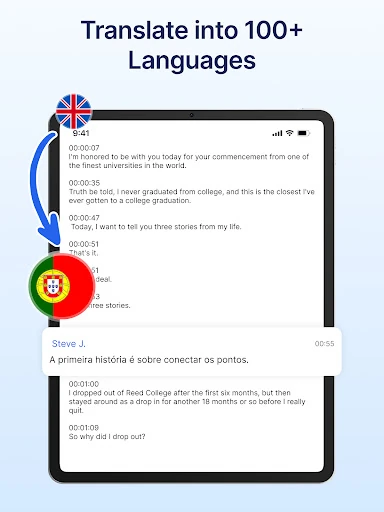
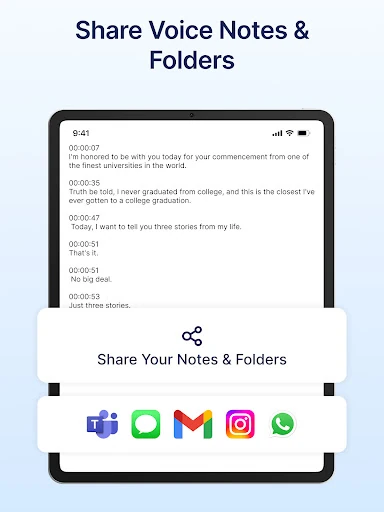
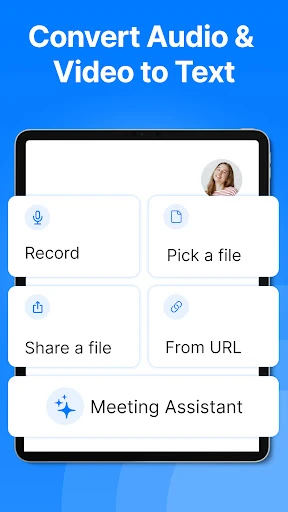
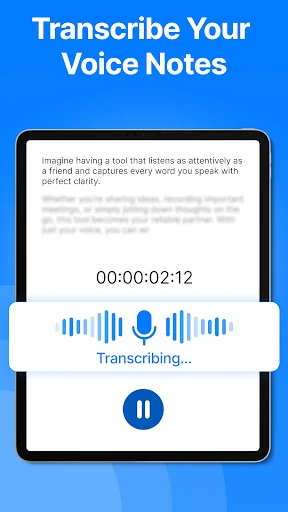
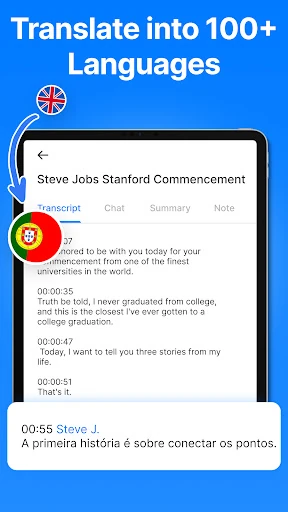
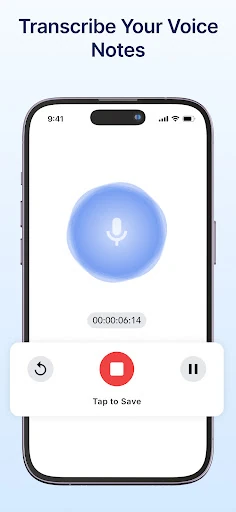
Transkriptor: Speech to Text turns spoken audio into written transcripts on Android. It suits people who need to capture meetings, interviews, lectures, webinars, notes, or recorded conversations without typing everything by hand. You can record within the app or work from existing audio and video, making it useful for both quick notes and longer source material.
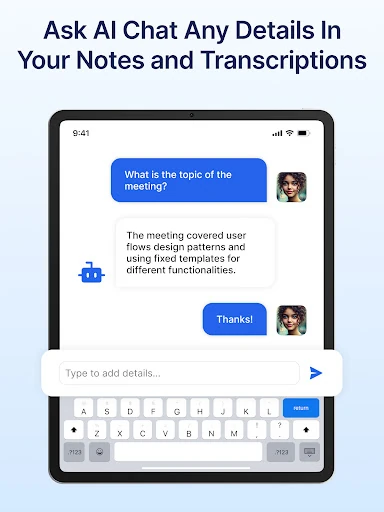
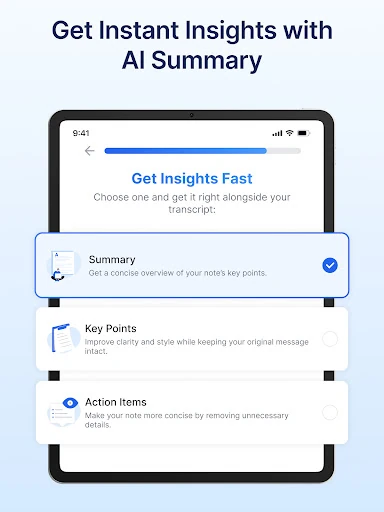
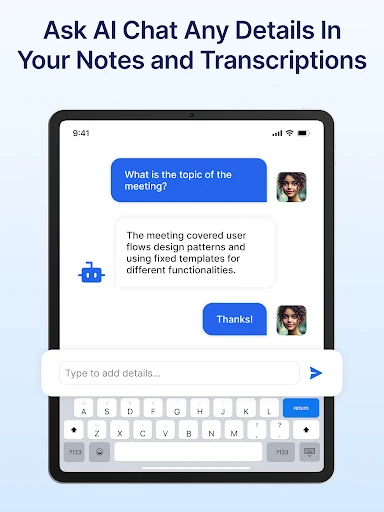
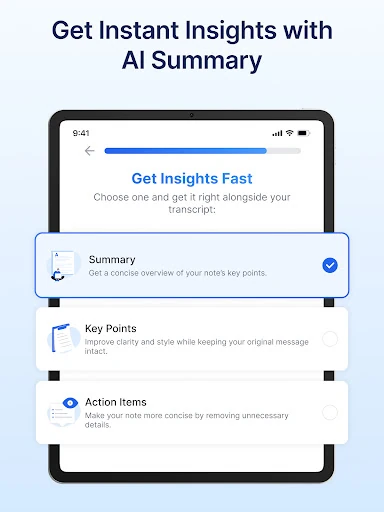
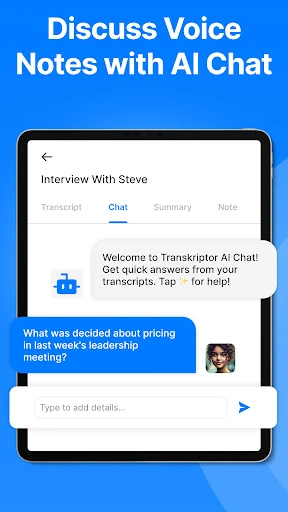
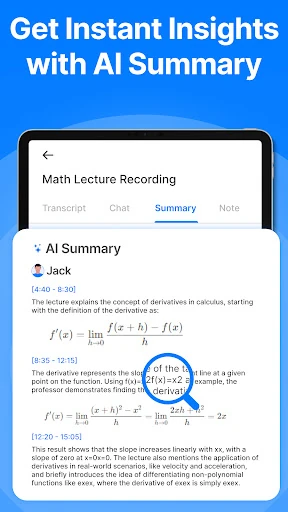
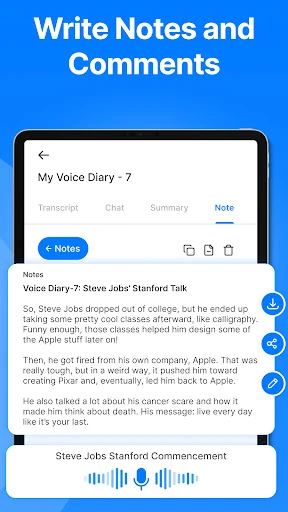
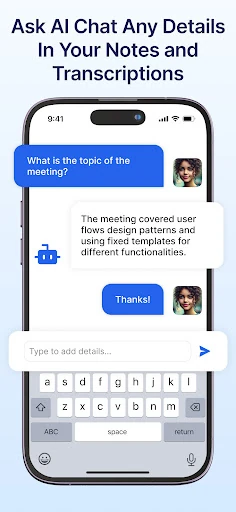
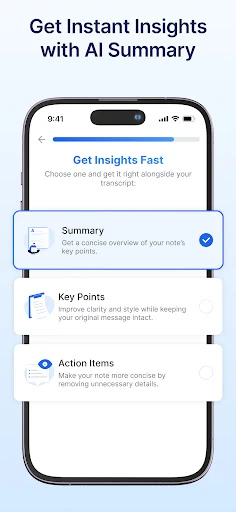
The app is designed to do more than produce a block of text. It can identify different speakers, helping separate contributions in interviews, group discussions, and meetings. After transcription, its AI tools can help you ask questions about the content, create summaries, and prepare text such as follow-up emails. That gives you a way to move from a recording to an organised set of notes without reviewing every second manually.
Transkriptor is a practical choice for students, journalists, researchers, remote teams, and anyone who regularly handles spoken information. Speaker labels are particularly helpful for interviews and collaborative calls, while summaries and transcript chat are better suited to people who need decisions or action points quickly. If you only need an occasional short voice note, its broader workflow may be more than necessary.
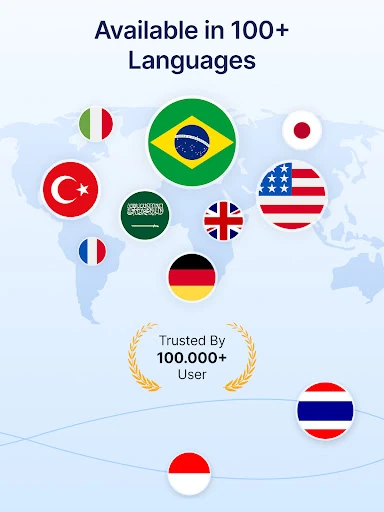
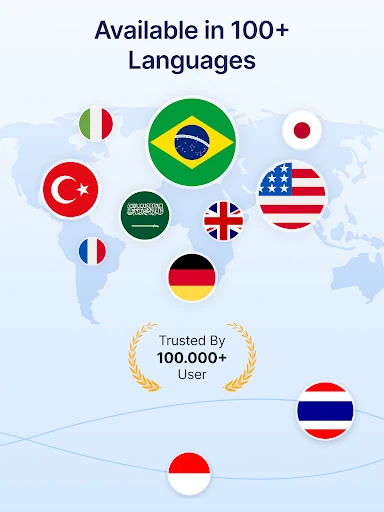
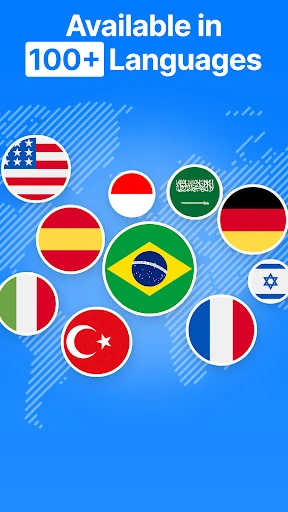
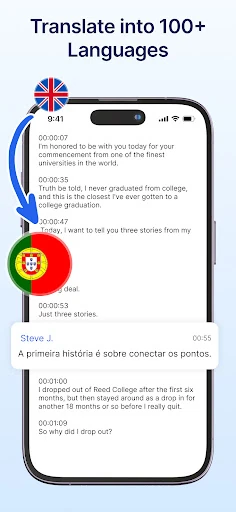
Developed by Tor.App, Transkriptor sits in the Productivity line and has 5,000,000+ installs. Its 4.2-star rating from 45,378 reviews points to established use across a large Android audience. The app’s main value is the combination of transcription, speaker separation, language support, and follow-up tools in one workspace.