Click to download now, finish the installation quickly, and directly unlock the all-round experience
Screenshots

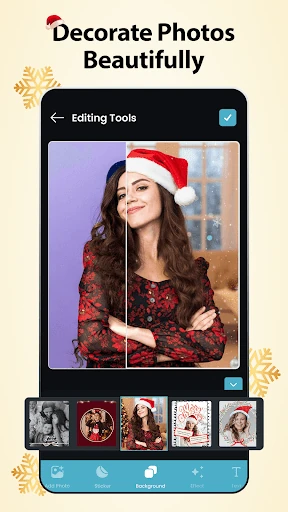
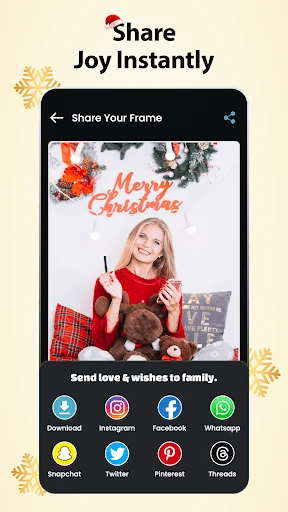
Click to download now, finish the installation quickly, and directly unlock the all-round experience
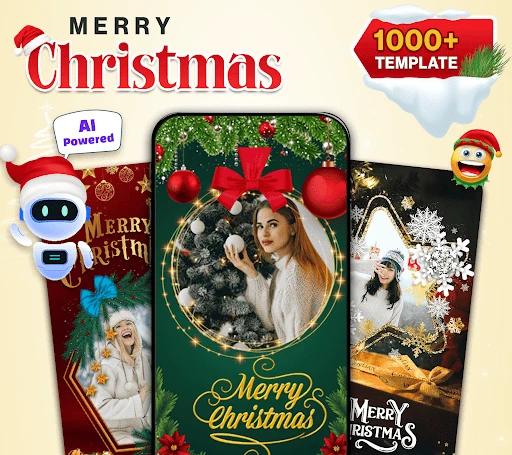
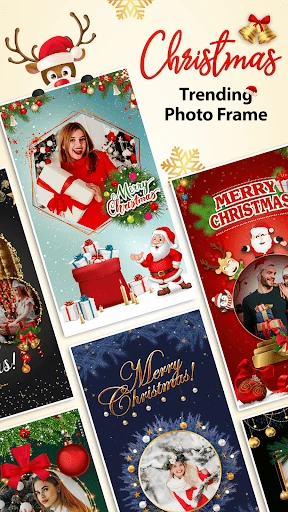
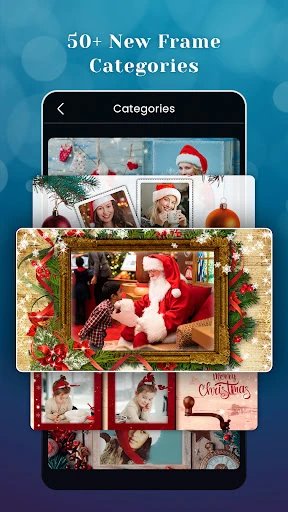
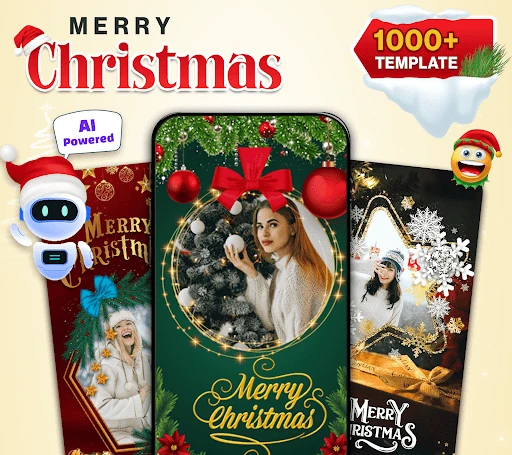
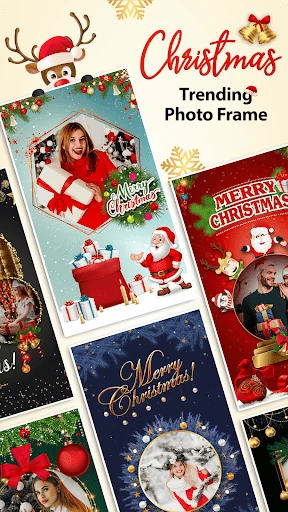
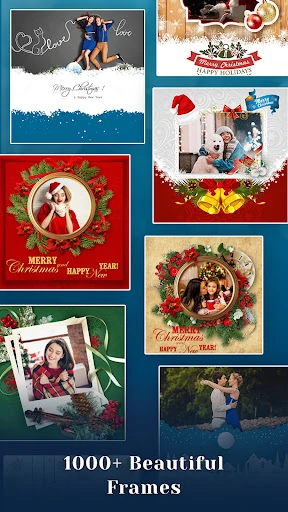
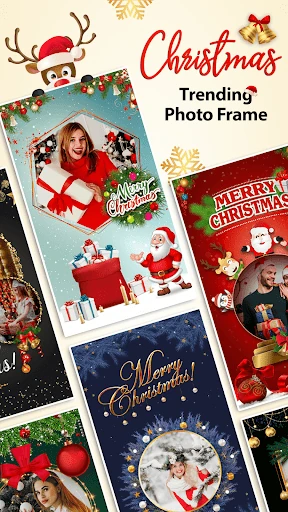
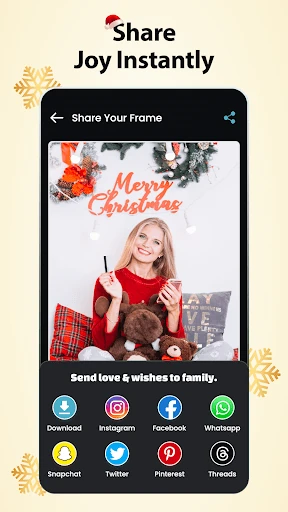
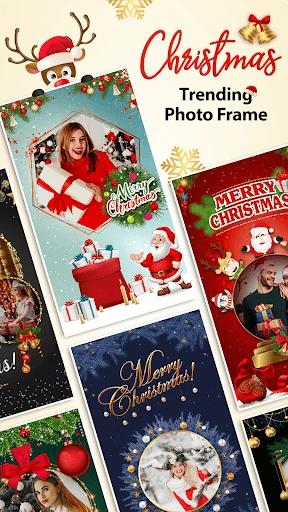
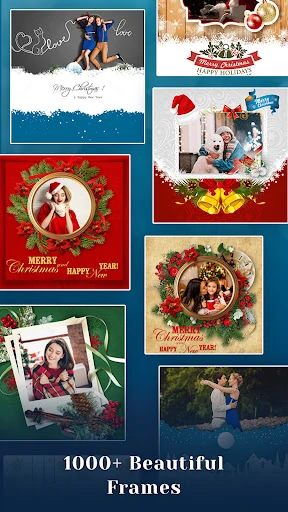
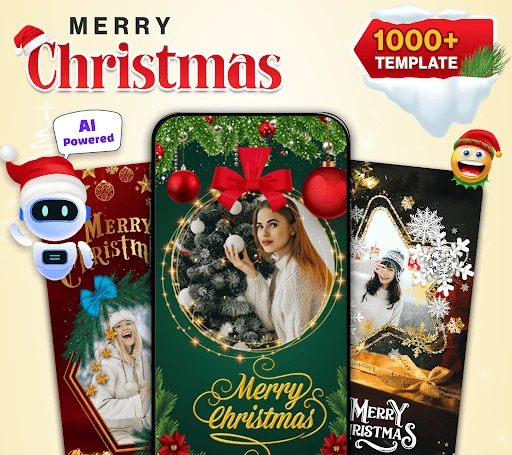
Christmas Photo Editor turns ordinary pictures into seasonal greetings, framed portraits, and shareable holiday collages. It suits anyone who wants to add a Christmas look without working through a full desktop editing suite: families preparing cards, friends making festive posts, and casual users decorating photos for messaging apps.
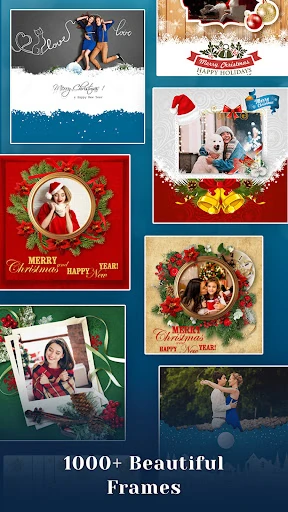
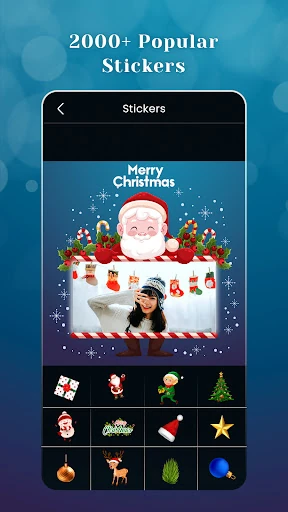
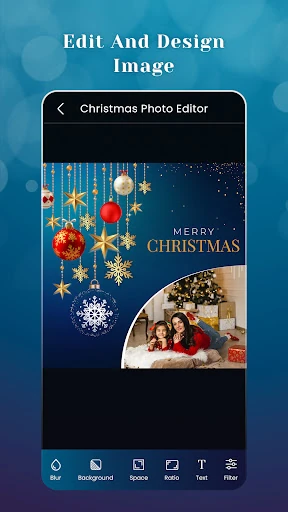
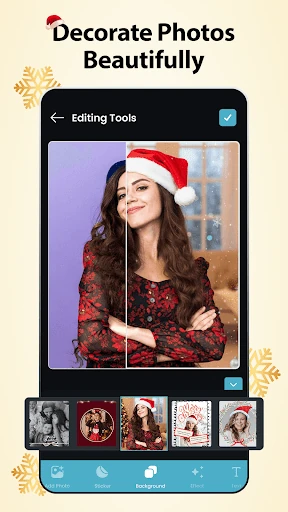
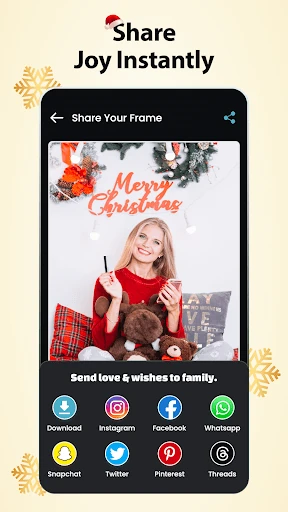
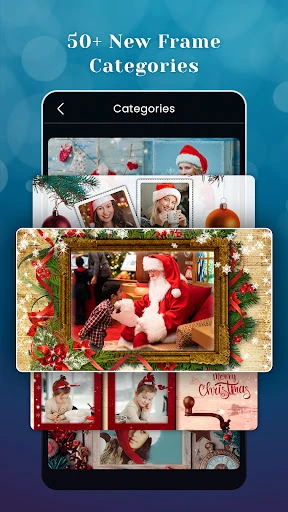
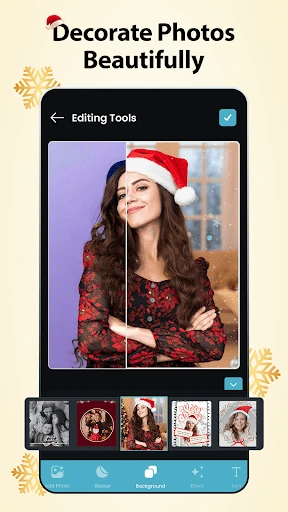
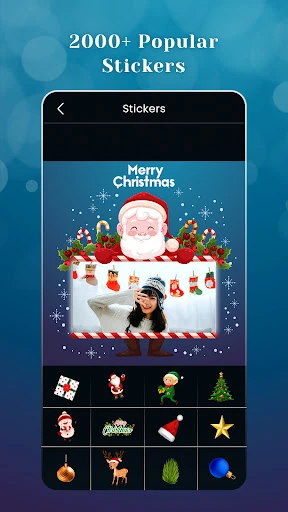
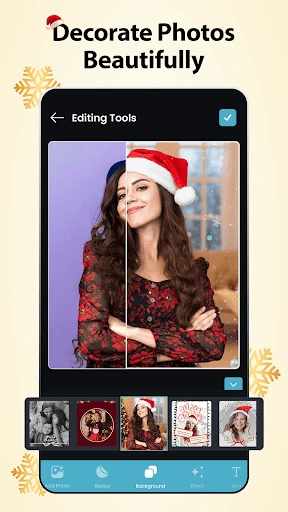
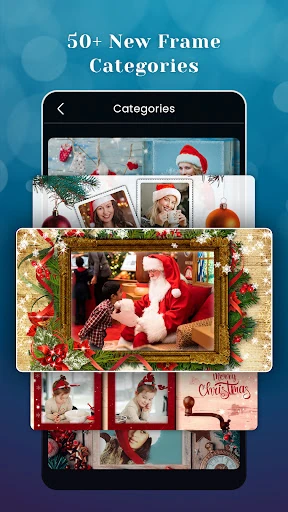
The app from Ai Photo Labs combines Christmas-themed frames with photo-editing tools, backgrounds, stickers, and filters. Pick a picture from your phone, choose a frame or collage arrangement, then adjust the image with effects and decorations. It can also be used to build a personalised greeting card from one or several photos.
This is a focused choice rather than a general-purpose editor packed with professional controls. Its value is in getting from a saved photo to a recognisably festive result with a small number of decisions. If you are comparing photo-frame and holiday collage apps, it sits beside tools aimed at quick themed edits, greeting cards, and social posts.
Christmas Photo Editor holds a 4.63/5 rating from 4,512 reviews and has recorded 500,000+ installs. Those figures suggest an established audience for its seasonal editing format. Because the theme is specifically Christmas, it is most useful when you want holiday decoration rather than a year-round portrait or image-retouching toolkit.